

Getting Started with API Migration - Portal
Migrate an existing API tutorialZuplo Portal
Import an API into Zuplo and verify that a request through the gateway matches the original backend.
Follow along using
Put Zuplo in front of an existing API by importing its OpenAPI document and forwarding requests to the original backend. You'll test one read-only route before changing any client traffic.
Prerequisites
- A Zuplo account.
- Your existing API's OpenAPI document in JSON or YAML and its upstream URL.
Get your existing OpenAPI document
Get the OpenAPI document for the API you want to migrate from its repository, API documentation, or current gateway. Download or export the existing file; you don't need to write a new one for this tutorial.
If you don't have an OpenAPI document, download the
Swagger Petstore OpenAPI document
.
Choose a read-only operation and call it directly on the original API. You'll
compare that response with the gateway's response. For Petstore, you can use
GET /pet/findByStatus?status=available.
Import and test a route
-
Create the gateway
In Projects, click New Project, select API & MCP Gateway, enter
migrated-api, and click Create Project. -
Import the document
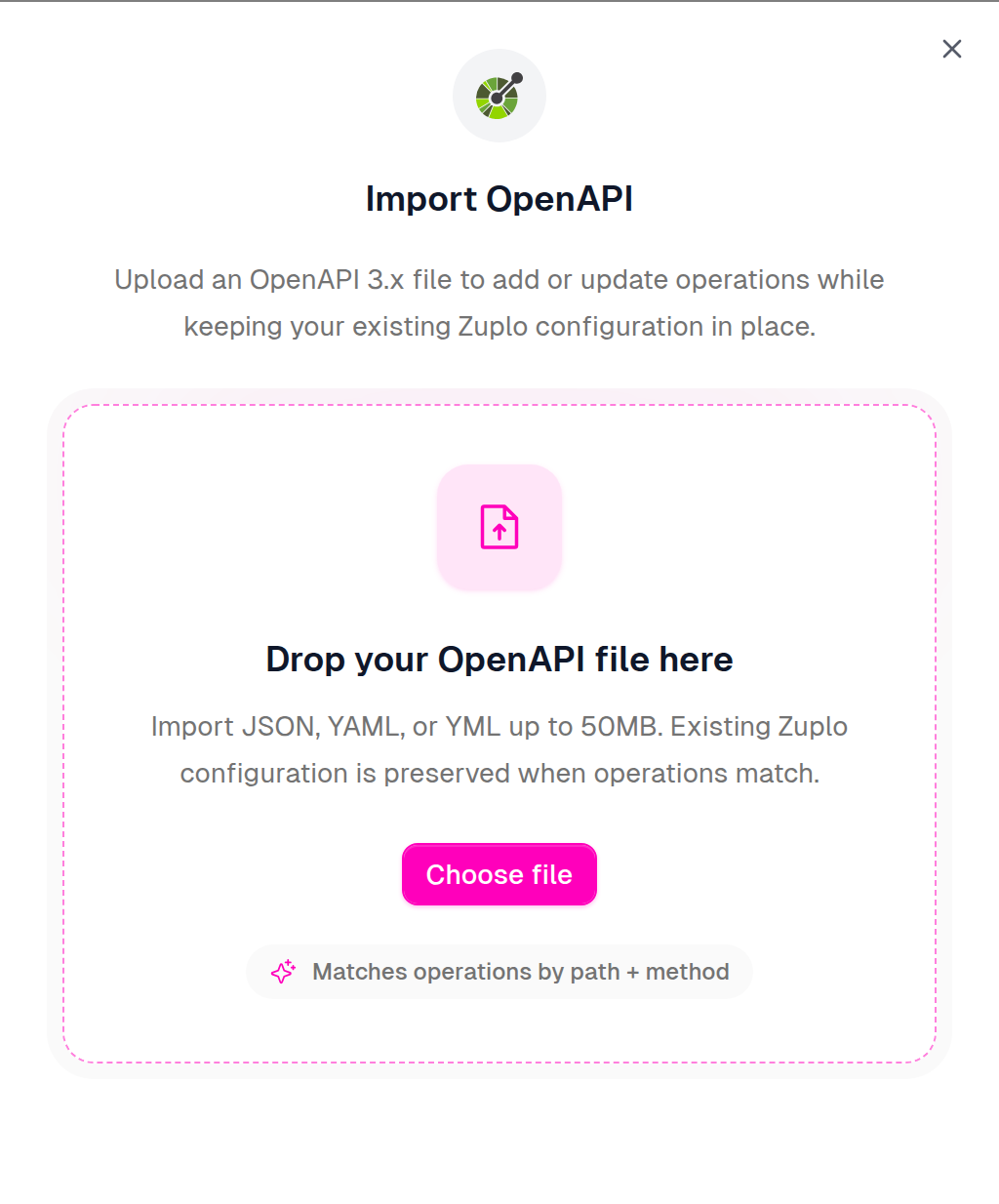
Open Code → config/routes.oas.json and click Import OpenAPI. Upload your OpenAPI file, review the routes, and click Complete Import.
The Route Designer should now list your API's routes. Importing an API description doesn't configure its forwarding behavior or enforce its security requirements; configure those next.
-
Set the upstream handler
Select the read-only route you chose. Under Request Handler, select URL Forward and set Forward to to your original API's base URL. Save your changes.
The URL Forward handler appends the request path. Check the imported path before setting the base URL so that any server prefix appears only once. For Petstore, use
https://petstore3.swagger.io/api/v3if the route path is/pet/findByStatus, orhttps://petstore3.swagger.ioif the imported path already starts with/api/v3. -
Compare the response
Click Test next to the route's path, then send a GET request. Expect the same status and response structure as the original API. Include the same query parameters, such as
status=availablefor the Petstore example.Copy the gateway request URL from the test dialog and call it from a terminal too:
CodeReplace
YOUR_ROUTEwith the imported route path and include its query parameters and any required headers. A404usually means the route or upstream path differs from the imported path. If forwarding fails, recheck the handler's upstream URL. -
Preserve your API's behavior
For a private API, add the authentication policies your clients require and configure any credentials the upstream requires. OpenAPI
securitymetadata alone doesn't enforce authentication in Zuplo.Before migrating real traffic, verify successful and failed requests, query parameters, headers, request bodies, and status codes. Recreate any rate limits or transformations currently handled by your old gateway. See the migration overview for platform-specific migration guides.
-
Deploy and move a test client
Follow Deploy to the edge to connect source control and deploy. Repeat your tests using the deployed gateway URL.
Change one test client's base URL to the gateway and verify its normal workflow. Keep the old endpoint available while you move clients in stages; roll that client back to its previous base URL if checks fail. Move your production domain only after the gateway passes your migration checks.